
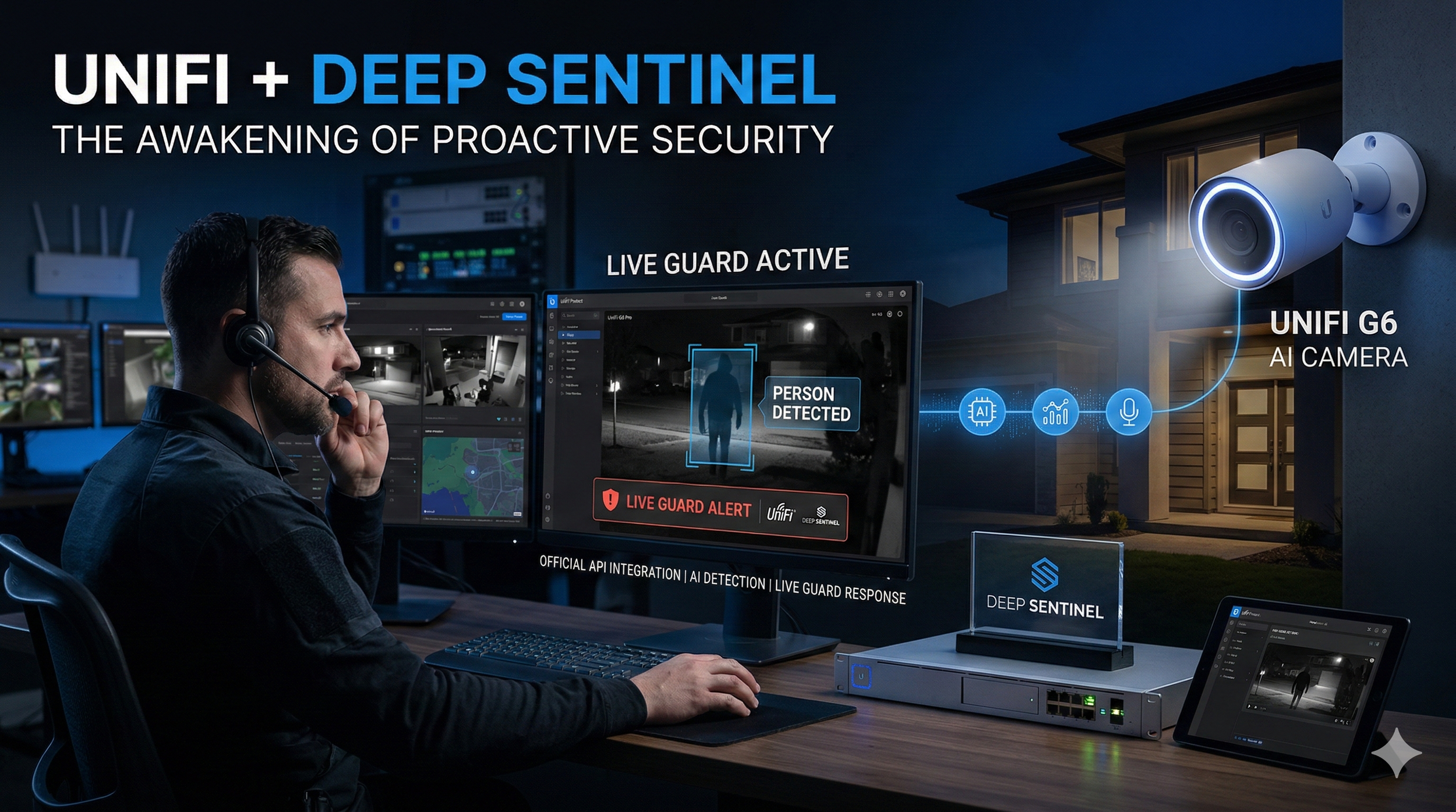
UniFi Evolution: Deep Sentinel and Ubiquiti Join Forces for live monitoring
For years, the Ubiquiti community has shared a common "whisper" in the forums: “The hardware is incredible, but what happens if I’m not looking at my phone?” Until now, UniFi Protect has been a world-class passive system. It records the crime in stunning 4K, sends a notification to your pocket, and leaves the rest to you. But as of February 2026, the game has fundamentally changed. With the landmark integration between Ubiquiti and Deep Sentinel, the "passive era" is officially over.
By becoming the first third-party partner to gain early access to Ubiquiti’s new Official Protect API, Deep Sentinel has achieved what was once thought impossible: bringing live, human-verified "Flash Response" to your existing UniFi cameras. We aren't just talking about smarter AI filters; we’re talking about a live guard in a command center halfway across the country seeing a threat on your G6 Turret and shouting, "Get off the property," before your front door is even touched.
In this deep dive, we explore how this "Zero Rip-and-Replace" solution turns your local NVR into a pro-grade security fortress, which specific G-Series cameras support full two-way intervention, and why this API handshake is the most important update to the UniFi ecosystem in a decade.
For years, the Ubiquiti UniFi Protect ecosystem has been the "gold standard" for prosumers who want high-quality hardware and local storage without monthly fees. However, its one Achilles' heel has always been passive monitoring. If an intruder stepped onto your property at 3:00 AM, UniFi would dutifully record it and send a notification to your phone—but if you were asleep, the crime happened anyway.
That changed in February 2026 with the official partnership between Deep Sentinel and Ubiquiti. By leveraging Ubiquiti's newly released Official Protect API, Deep Sentinel has transformed UniFi cameras from passive recorders into active, human-monitored guardians.
The Tech: Why This Isn't Just Another "Integration"
In the past, connecting UniFi to third-party services required unstable RTSP streams or complex workarounds. This new integration is built on an Official API handshake, which offers three major technical advantages:
Edge-AI Efficiency: Deep Sentinel doesn't need to "see" your footage 24/7. It remains idle until your UniFi camera’s onboard AI detects a person. Only then is the metadata and a high-priority stream sent to the Deep Sentinel Live Center.
Low Latency Intervention: Because it uses native API hooks, the lag between a person appearing on your lawn and a live guard speaking through your camera is under 10 seconds.
Encrypted Tunneling: No open ports or exposed firewall rules are required. The connection is handled via a secure API key, keeping your local network private.
Hardware Breakdown: Which Cameras Stop Crime?
While almost any UniFi camera can be monitored, the "Live Guard" experience is most effective when the guard can speak back. Below are the cameras that support full two-way talk and active deterrents:

Pro Tip: If you have older cameras like the G5 Flex or G5 Bullet, they have microphones (so the guard can hear the intruder) but no speakers. Deep Sentinel can still monitor these, but the guard will only be able to dispatch police, not verbally intervene.Setup Guide: Linking UniFi to Deep Sentinel
Setting up the integration takes less than 15 minutes. Ensure your UniFi Protect application is updated to v6.2.x or higher.
Phase 1: Generate the API Key
Log in to your UniFi Console (via
unifi.ui.comor your local IP).Navigate to Settings > Control Plane.
Click on the Integrations tab.
Under Your API Keys, select Create New Key.
Name it "Deep Sentinel" and copy the key immediately (you won't be able to see it again).
Phase 2: Connect to Deep Sentinel
Open the Deep Sentinel App on your mobile device.
Go to Settings > Device Manager.
Select Add Device to Hub > UniFi Protect.
Enter your NVR's IP address (or select the cloud-linked console) and paste the API Key you generated.
Follow the prompts to select which cameras you want the guards to monitor and set your "Protection Zones."
The Verdict for Bloggers & Installers
This partnership effectively bridges the gap between DIY Hardware and Enterprise Security. For businesses or high-end residential estates already invested in Ubiquiti, this is the most significant upgrade to the platform since its inception. You keep your local 4K recordings, but you gain a "human in the loop" to stop the crime before it happens.